 Rotimi BestandRotimi Best
3980aa0a9b
Rotimi BestandRotimi Best
3980aa0a9b
* feat(dashboard): restyle lesson transcript and summarize actions

Add separator lines around lesson material actions below the video,
switch transcript and summarize controls to plain ghost buttons with
hover-animated icons, and separate the two actions with a pipe when both
are visible. Display rules are unchanged.

Co-authored-by: Rotimi Best <[email protected]>

* refactor(dashboard): inline summarize action into material actions

Fold lesson-summarize-button into lesson-material-actions and remove the
standalone component. Lessons without videos use the same actions bar with
separators disabled.

Co-authored-by: Rotimi Best <[email protected]>

* fix(dashboard): align lesson actions with note width on mobile

Constrain material actions to max-w-2xl when there is no video so they
match the note column. Improve small-screen layout with tighter padding,
flex-wrap, and hide the pipe separator below the sm breakpoint.

Co-authored-by: Rotimi Best <[email protected]>

* add script update

* fix(dashboard): tighten spacing between lesson video and note

Remove gap-2 from the lesson content stack and drop bottom margin on the
last video wrapper so material actions separators control the gap before
the note.

Co-authored-by: Rotimi Best <[email protected]>

* fix(dashboard): show bottom separator on note-only lesson actions

Lessons without video were passing showSeparators=false, hiding both
lines. Split into top/bottom controls so summarize still gets a line before
the note without one above the action row.

Co-authored-by: Rotimi Best <[email protected]>

* fix(dashboard): always show top separator on lesson material actions

Co-authored-by: Rotimi Best <[email protected]>

* fix(dashboard): reduce lesson material action separator margin to my-2

Co-authored-by: Rotimi Best <[email protected]>

* feat(dashboard): consolidate multi-video transcript actions and navigation

Register transcript sources per upload video, show a single material
actions row after all videos, and add prev/next video navigation in the
transcript side panel when multiple transcripts are available.

Co-authored-by: Rotimi Best <[email protected]>

* fix(dashboard): address greptile review on lesson material actions

Require lessonId on material actions and stop overwriting the transcript
seek wrapper with a stale localSeekFn snapshot in the sync effect.

Co-authored-by: Rotimi Best <[email protected]>

* fix(dashboard): stop transcript registry effect infinite loop

Replace the reactive sync effect with explicit registry updates from
loadTranscript and skip no-op transcript source writes to avoid reading
and writing transcriptSources in the same effect pass.

Co-authored-by: Rotimi Best <[email protected]>

* fix(ui): raise tooltip z-index above app bar side panel

Use z-menu-elevated for tooltip content so header icon tooltips are not
hidden behind the fixed transcript side panel (z-app-bar).

Co-authored-by: Rotimi Best <[email protected]>

---------

Co-authored-by: Rotimi Best <[email protected]>
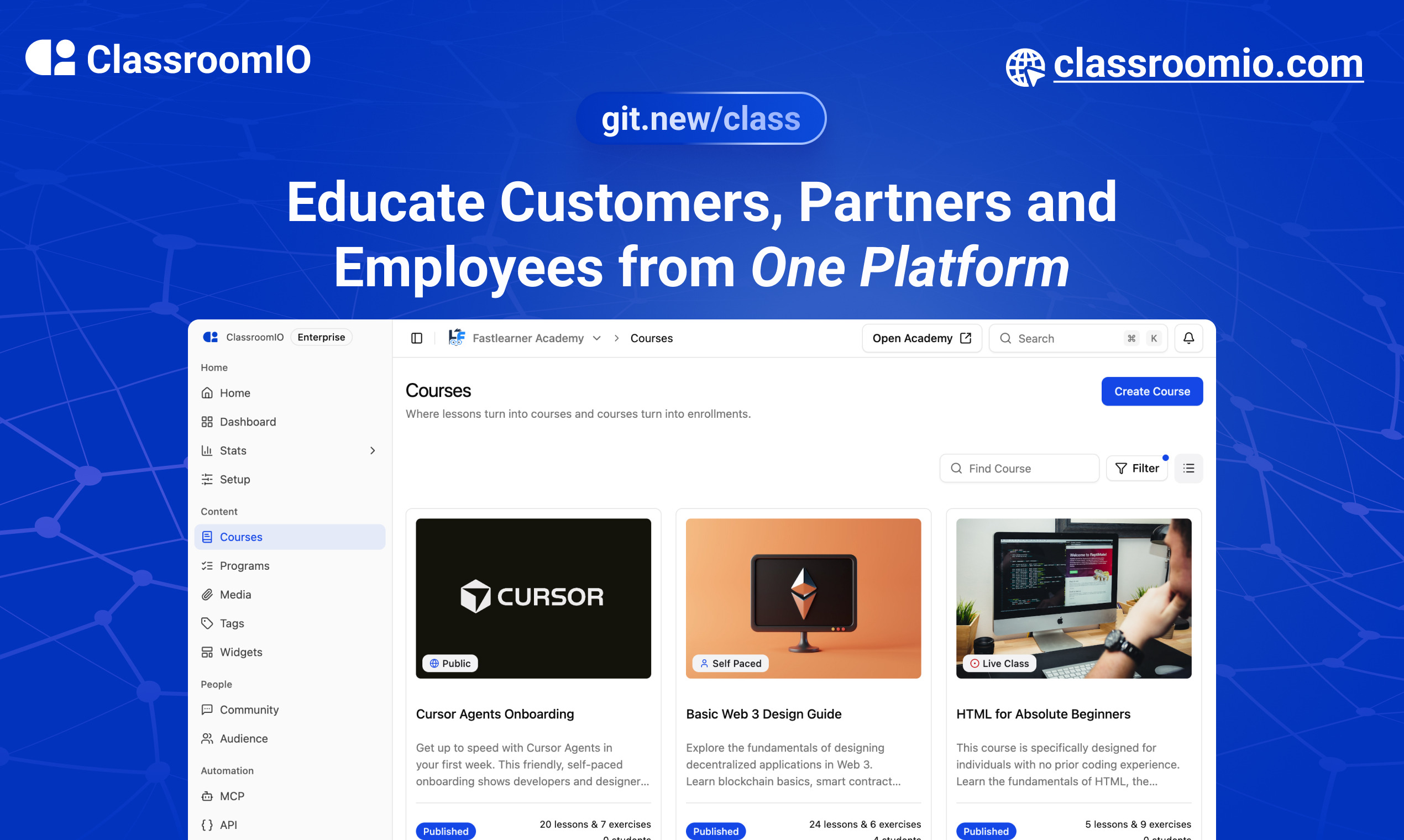
ClassroomIO
The Open Source Teaching Platform for Bootcamps
Website | Join Discord community
✨ About ClassroomIO
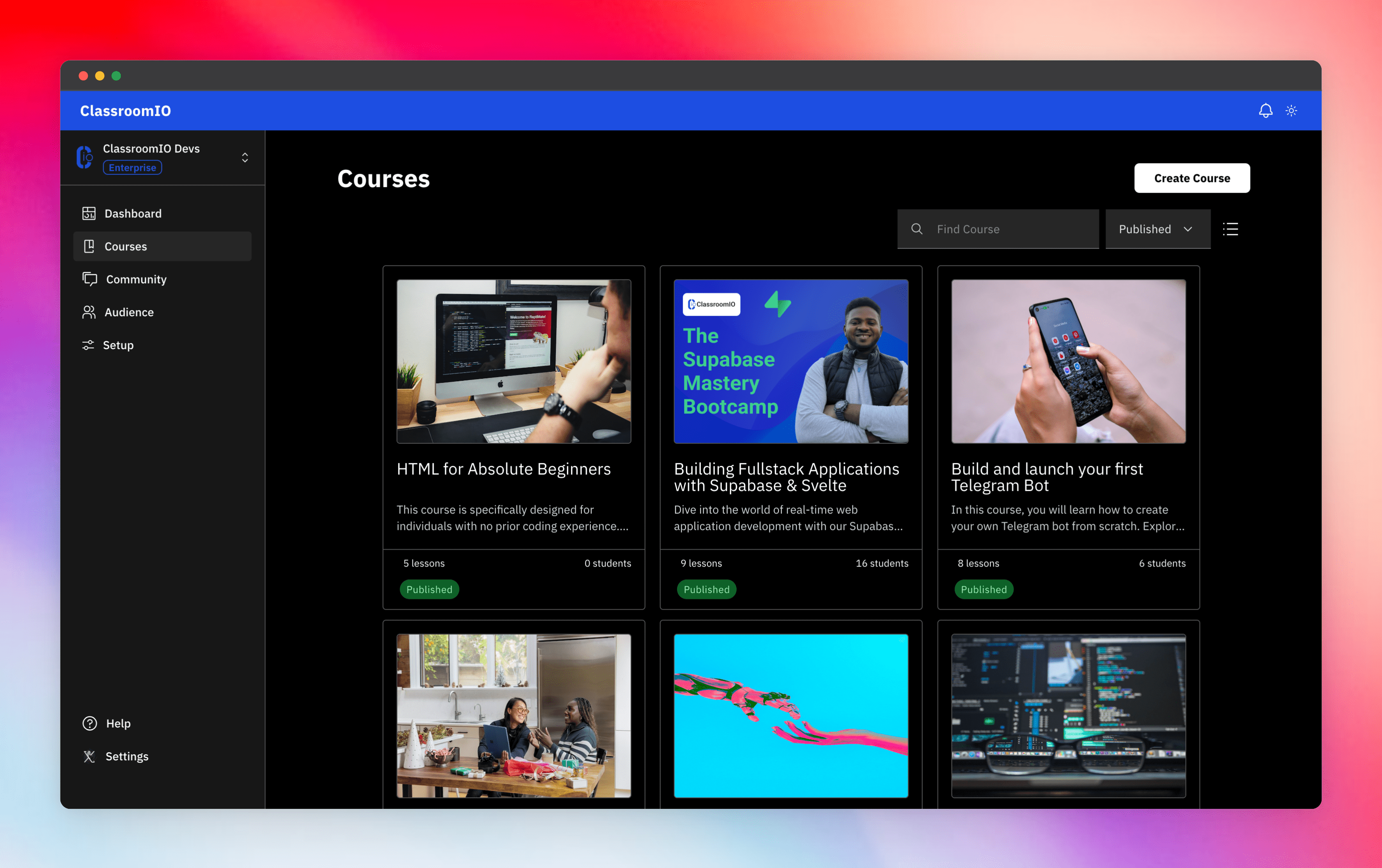
Streamline training for everyone with ClassroomIO.com. Our all-in-one platform empowers bootcamps, educators, and businesses to manage training programs easily. With our platform, anyone can run multiple classes and cohorts all from one UI. The application is mobile-first, which means that students can access your lesson materials from any device.
Mission: Provide Students with the best learning experience
At ClassroomIO, our mission is to provide students with the best possible learning experience. We believe in empowering educators with the tools they need to deliver high-quality education that is accessible, engaging, and effective.
Key Features
- 📚 Advanced Course Management: You can create unlimited courses, create lessons, invite students, add assignments, grade their assignments, and even generate certificates.
- 👨👩👦 Multi-Teacher Management: You can invite other teachers into your organization and assign them individual courses.
- 🤖 AI Integration: We've got OpenAI integration for quick course creation where you can generate course content, lesson outlines, and even generate assignments right from your lesson notes.
- 💬 Forum: Students can ask questions in your dedicated community and get answers from either you or other students.
- 🏆 Kahoot-Like Quiz: You can create live quizzes to create more engagement in your classrooms.
- 💻 Dedicated Student Dashboard: Once you create an account, you get a dedicated dashboard where your students can access all their courses, assignments, and more.
- 🔒 Fully open source: You can self-hostable the whole stack on your servers.
Roadmap Features
- Forms: Instead of using Google Forms to collect vital information from your students, you will be able to create forms directly within the dashboard.
- Course Announcement: You can make public announcements from the course dashboard to all your students.
- Course Templates: You can clone a full course or share templates with other people.
- Analytics: You can track data about your students across multiple courses.
- Run Courses on Messengers: Students can just join a channel on slack/discord/telegram and a bot automatically sends daily lesson content to your students without you doing anything.
Please reach out to me on twitter if you have any feature request.
Built With
Get a Demo
You can book a quick 15 min demo to see if ClassroomIO is a good fit for you

Getting Started
To get a local copy up and running, please follow these simple steps.
Prerequisites
Here is what you need to be able to run Cal.com.
Development
Setup
-
Clone the repo
git clone https://github.com/rotimi-best/classroomio.git -
Go to project folder
cd classroomio -
Setup Node If your Node version does not meet the project's requirements as instructed by the docs, "nvm" (Node Version Manager) allows using Node at the version required by the project:
nvm useYou first might need to install the specific version and then use it:
nvm install && nvm useYou can install nvm from here.
-
Set up your
.envfile- Duplicate
.env.exampleto.env
- Duplicate
-
Install the required dependencies
npm i -
Run (in development mode)
npm run dev
Related Repos
You can find other repos related to classroomio here:
- Help Docs: https://github.com/rotimi-best/classroomio.com/docs
- ClassroomIO.com: https://github.com/rotimi-best/classroomio.com