 Rotimi Bestandemmanuel
26700dccd0
Rotimi Bestandemmanuel
26700dccd0
* feat: v1 templates

* update nvm

* working on the displaying the course content

* working on the displaying the course content

* displayed the content

* finished with the logic for rendering the content for all the courses and lessons

* post hog template UI is good to go

* classic and minimalistic template UI is good to go

* some refactoring

* some refactoring

* layout adjustments

* update tsconfig

* trying to get the filter to work well

* this is working now

* cleanup

* cleanup

* UI updates

* course page UI for posthog

* navbar and sidebar for course page in all templates complete

* all templates course page showing lesson content from md file with mdsvex
configured

* wokring on sections

* posthog lesson content done

* all templates fetches the lesson content from the section

* all templates properly typed

* scaffolding the new template

* finished the webflow-saas

* done with the webflow saas UI

* new calcom template

* new calcom template

* masonry layout for testitomonail section layout done

* calcom UI done

* UI all done

* cleanup

* trying to fix dark mode for the course page and home page

* done with this

* done with this

* working on tests

* migrated minimalistic template to svelte 5

* updated the syntax to svelte 5 for webflow

* migrated classic to svelte 5

* migrated posthog to svelte 5

* used svelte 5 syntax in calcom

* cli tool woks locally

* rename to course-sites

* use pnpm in root

* calcom refactoring

* remove unused files

* chore: biggest refactoring in my life

* add basic readme

* refactoring on course page

* restructure how courses are ordered

* proper state propagation

* add cf adapter

* fix pnpm i issue

* fix folder icon size

* use 18.17 version

* update npmrc

* add engine to packagejson

* pnpm install

* add engine to cio-com

* make it 18.x

* remove sequence

* move mdsvex to dependencies

* update lock

* mdsvex please work

* replace fs with import from vite

* add lock

* styling improvements

* fix styling

* sidebar style improvements

* fix: mobile concerns

* fix spacing of course header on desktop

* update header

* top nav fix

* feat: make cal template

* setup another template

* classic basic UI

* fixed the /courses fetching wrong page content

* fix breaking template cause of logo

* adding some updates

* improve styles theming

* finished updates from reviews

* updated the custom styling css

* clean up posthog template

* cli tool done, needs some cleaning though

* moved components to home

* improved the UI of the minimal template

* Add CLI tool and course app site

* prettier lint

* improve CLI

* ignore sveltekit folder

* publish course app

* fix tailwing theme + improve README

* finish up course-app site

* update README.md

---------

Co-authored-by: emmanuel <[email protected]>
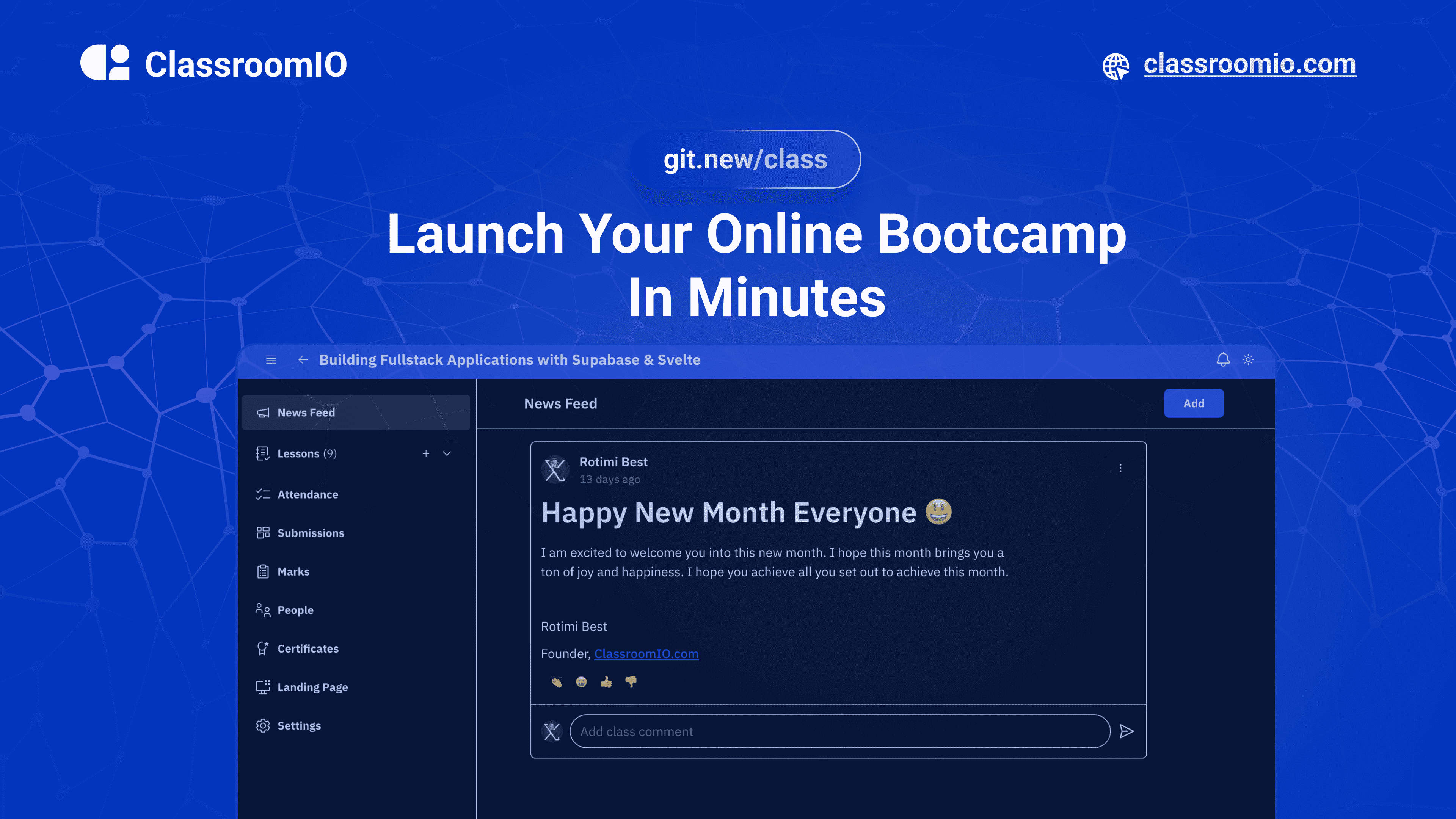
ClassroomIO
The Open Source Teaching Platform for Bootcamps
Website | Join Discord community
✨ About ClassroomIO
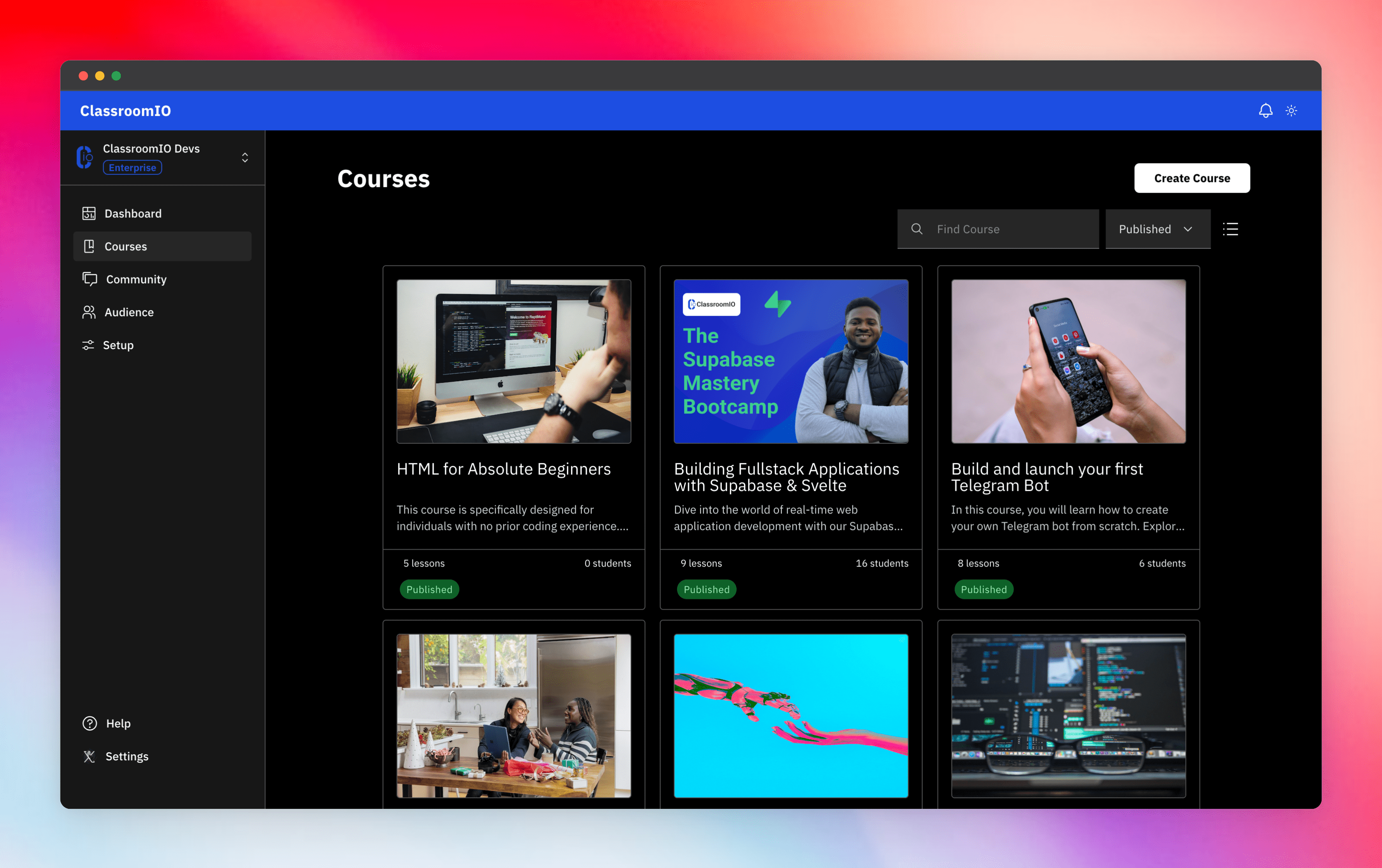
Streamline training for everyone with ClassroomIO.com. Our all-in-one platform empowers bootcamps, educators, and businesses to manage training programs easily. With our platform, anyone can run multiple classes and cohorts all from one UI. The application is mobile-first, which means that students can access your lesson materials from any device.
Mission: Provide Students with the best learning experience
At ClassroomIO, our mission is to provide students with the best possible learning experience. We believe in empowering educators with the tools they need to deliver high-quality education that is accessible, engaging, and effective.
Key Features
- 📚 Advanced Course Management: You can create unlimited courses, create lessons, invite students, add assignments, grade their assignments, and even generate certificates.
- 👨👩👦 Multi-Teacher Management: You can invite other teachers into your organization and assign them individual courses.
- 🤖 AI Integration: We've got OpenAI integration for quick course creation where you can generate course content, lesson outlines, and even generate assignments right from your lesson notes.
- 💬 Forum: Students can ask questions in your dedicated community and get answers from either you or other students.
- 🏆 Kahoot-Like Quiz: You can create live quizzes to create more engagement in your classrooms.
- 💻 Dedicated Student Dashboard: Once you create an account, you get a dedicated dashboard where your students can access all their courses, assignments, and more.
- 🔒 Fully open source: You can self-hostable the whole stack on your servers.
Roadmap Features
- Forms: Instead of using Google Forms to collect vital information from your students, you will be able to create forms directly within the dashboard.
- Course Announcement: You can make public announcements from the course dashboard to all your students.
- Course Templates: You can clone a full course or share templates with other people.
- Analytics: You can track data about your students across multiple courses.
- Run Courses on Messengers: Students can just join a channel on slack/discord/telegram and a bot automatically sends daily lesson content to your students without you doing anything.
Please reach out to me on twitter if you have any feature request.
Built With
Get a Demo
You can book a quick 15 min demo to see if ClassroomIO is a good fit for you

Getting Started
To get a local copy up and running, please follow these simple steps.
Prerequisites
Here is what you need to be able to run Cal.com.
- Node.js (Version: >=18.x)
- Supabase CLI
- Docker
- NPM
Development
Setup
-
Clone the repo
git clone https://github.com/rotimi-best/classroomio.git -
Go to project folder
cd classroomio -
Setup Node If your Node version does not meet the project's requirements as instructed by the docs, "nvm" (Node Version Manager) allows using Node at the version required by the project:
nvm useYou first might need to install the specific version and then use it:
nvm install && nvm useYou can install nvm from here.
-
Set up your
.envfile- Duplicate
.env.exampleto.env
- Duplicate
-
Setup Supabase.
-
Make sure you've downloaded the supabase cli
-
Install and Start docker
-
Go to the project directory in your terminal and start supabase
supabase start -
You should get a result like this
supabase local development setup is running. API URL: http://127.0.0.1:54321 GraphQL URL: http://127.0.0.1:54321/graphql/v1 DB URL: postgresql://postgres:[email protected]:54322/postgres Studio URL: http://127.0.0.1:54323 Inbucket URL: http://127.0.0.1:54324 JWT secret: super-secret-jwt-token-with-at-least-32-characters-long anon key: eyJhbGciOiJIUzI1NiIsInR5cCI6IkpXVCJ9.eyJpc3MiOiJzdXBhYmFzZS1kZW1vIiwicm9sZSI6ImFub24iLCJleHAiOjE5ODM4MTI5OTZ9.CRXP1A7WOeoJeXxjNni43kdQwgnWNReilDMblYTn_I0 service_role key: eyJhbGciOiJIUzI1NiIsInR5cCI6IkpXVCJ9.eyJpc3MiOiJzdXBhYmFzZS1kZW1vIiwicm9sZSI6InNlcnZpY2Vfcm9sZSIsImV4cCI6MTk4MzgxMjk5Nn0.EGIM96RAZx35lJzdJsyH-qQwv8Hdp7fsn3W0YpN81IU -
Supabase environment variables should be taken from the result of
supabase startPUBLIC_SUPABASE_URL=<API URL> PUBLIC_SUPABASE_ANON_KEY=<anon key> -
To view the Supabase studio, open the Studio URL from the result of supabase start
-
-
Install the required dependencies
npm i -
Run (in development mode)
npm run dev
Related Repos
You can find other repos related to classroomio here:
- Help Docs: https://github.com/rotimi-best/classroomio.com/docs
- ClassroomIO.com: https://github.com/rotimi-best/classroomio.com