 Adeyemi AdetunjiandRotimi Best
50d6ee3111
Adeyemi AdetunjiandRotimi Best
50d6ee3111
* feat: move mock exercise template to api

* feat: add template migration file

* chore:
- remove exercise templates form api
- rework api to pull exercise templates from db
- add exercise template seed to seed file
- declutter seed file

* chore:
- refactor template fetch to be dependent on the selected tag
- add tag to schema, remote db and template's seed file
- clear remote db's template table and replace data and their respective tags

* chore: add number of questions and center loading screen on the frontend

* chore: pr fixes

* chore: type fixes

* chore:
- move seed functionality to /seed folder
- add typing for individual seed functions
- pr fixes

* chore: pr fixes v2

* update output css

* refactor: update seeding script and schema definitions

- Renamed `seedTypes` to `seedQuestionTypes` for clarity in the seeding process.
- Enhanced the seeding script to include a command-line interface for better usability, allowing specific seed functions to be executed based on flags.
- Removed redundant unique constraints in the schema definitions for `courseNewsfeedComment` and `exerciseTemplate` to streamline database structure.

* feat: add email verification error handling page and update session management

- Introduced a new page for handling email verification errors, providing user-friendly messages based on error types.
- Updated session management logic to improve handling of public routes and session states.
- Enhanced security policies in the Svelte configuration to include additional sources for styles and scripts.
- Removed the old email verification error page to streamline the codebase.

* move the exercise template to cloudflare cdn

---------

Co-authored-by: Rotimi Best <[email protected]>
ClassroomIO
The Open Source Teaching Platform for Bootcamps
Website | Join Discord community
✨ About ClassroomIO
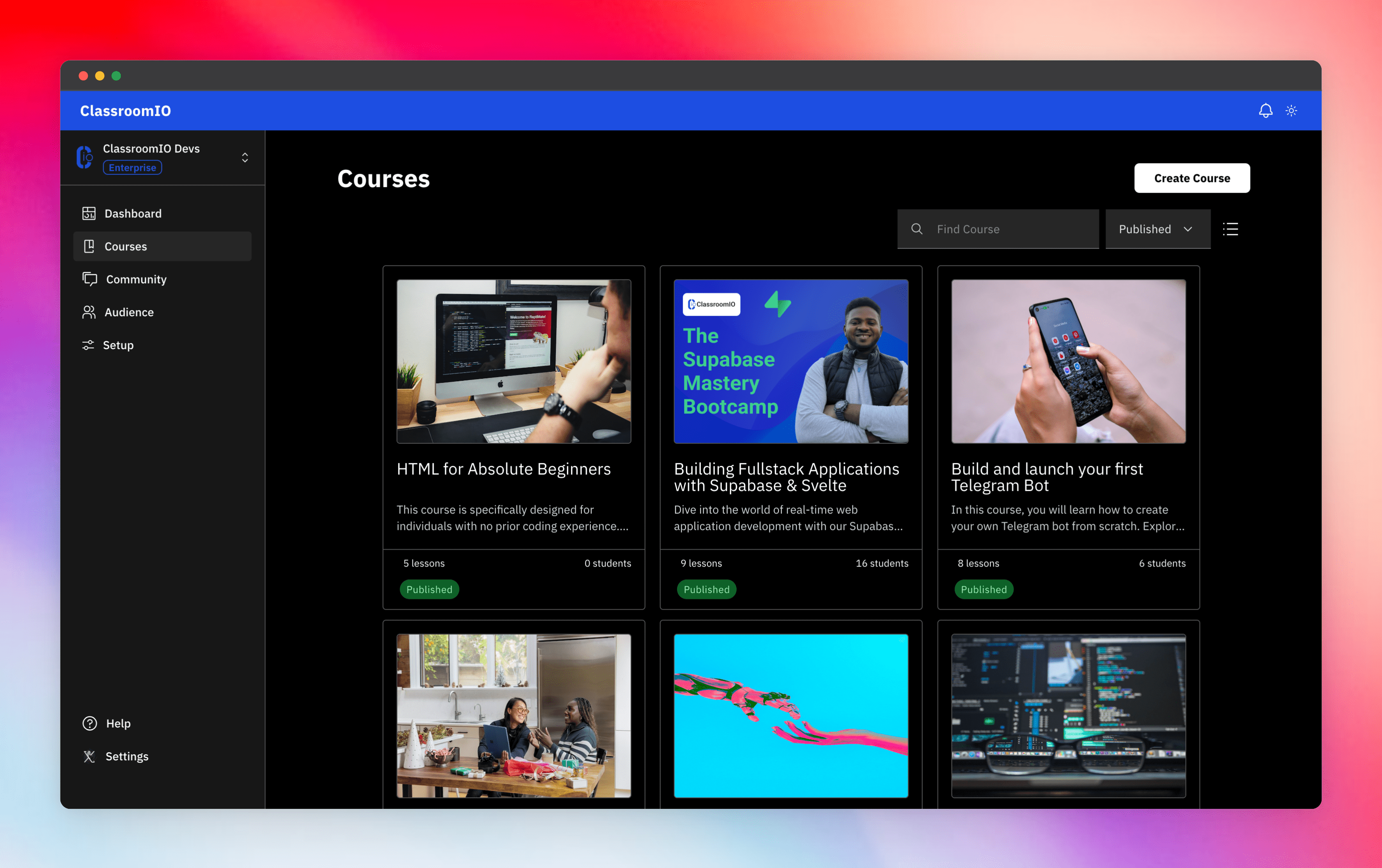
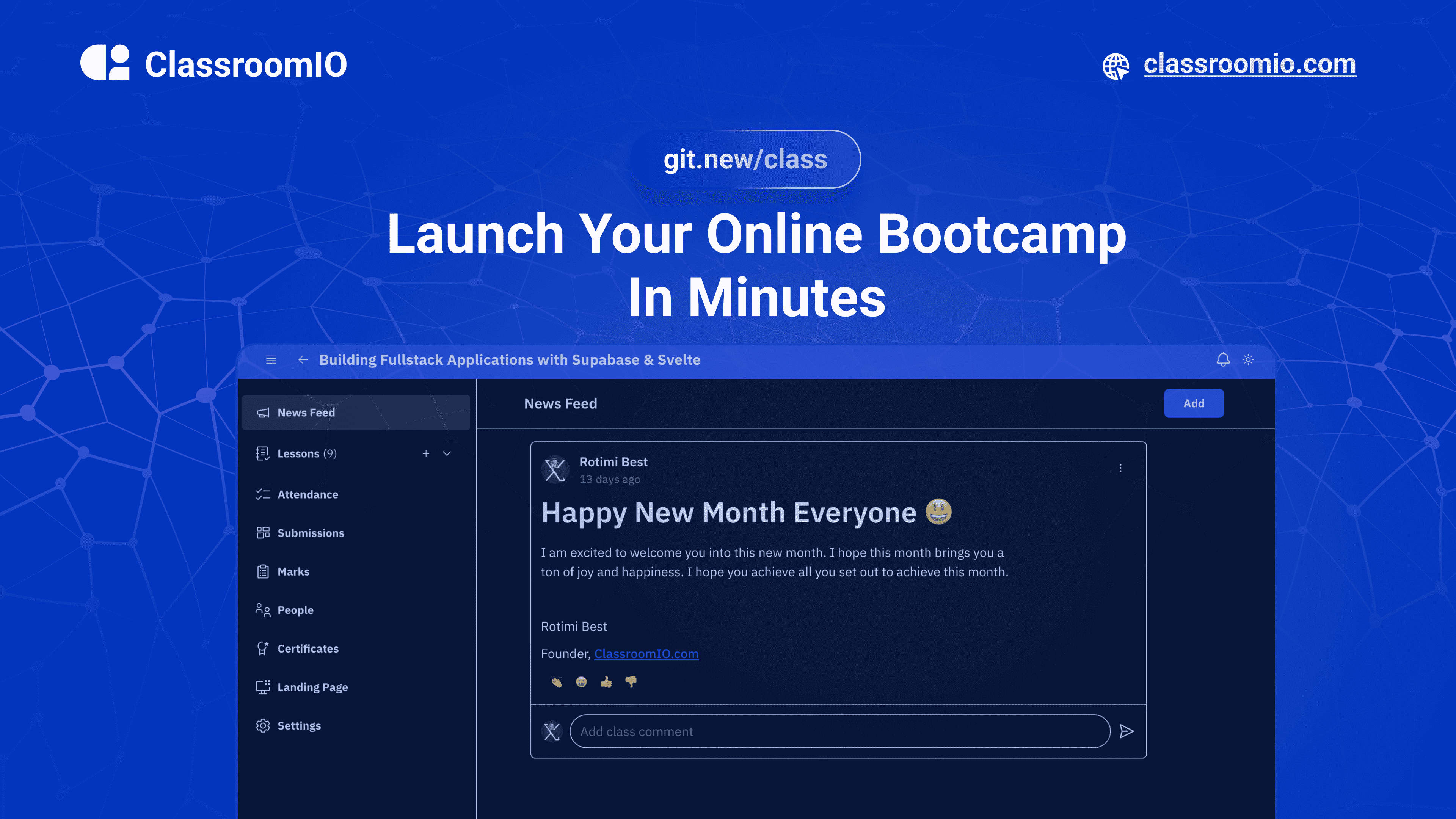
Streamline training for everyone with ClassroomIO.com. Our all-in-one platform empowers bootcamps, educators, and businesses to manage training programs easily. With our platform, anyone can run multiple classes and cohorts all from one UI. The application is mobile-first, which means that students can access your lesson materials from any device.
Mission: Provide Students with the best learning experience
At ClassroomIO, our mission is to provide students with the best possible learning experience. We believe in empowering educators with the tools they need to deliver high-quality education that is accessible, engaging, and effective.
Key Features
- 📚 Advanced Course Management: You can create unlimited courses, create lessons, invite students, add assignments, grade their assignments, and even generate certificates.
- 👨👩👦 Multi-Teacher Management: You can invite other teachers into your organization and assign them individual courses.
- 🤖 AI Integration: We've got OpenAI integration for quick course creation where you can generate course content, lesson outlines, and even generate assignments right from your lesson notes.
- 💬 Forum: Students can ask questions in your dedicated community and get answers from either you or other students.
- 🏆 Kahoot-Like Quiz: You can create live quizzes to create more engagement in your classrooms.
- 💻 Dedicated Student Dashboard: Once you create an account, you get a dedicated dashboard where your students can access all their courses, assignments, and more.
- 🔒 Fully open source: You can self-hostable the whole stack on your servers.
Roadmap Features
- Forms: Instead of using Google Forms to collect vital information from your students, you will be able to create forms directly within the dashboard.
- Course Announcement: You can make public announcements from the course dashboard to all your students.
- Course Templates: You can clone a full course or share templates with other people.
- Analytics: You can track data about your students across multiple courses.
- Run Courses on Messengers: Students can just join a channel on slack/discord/telegram and a bot automatically sends daily lesson content to your students without you doing anything.
Please reach out to me on twitter if you have any feature request.
Built With
Get a Demo
You can book a quick 15 min demo to see if ClassroomIO is a good fit for you

Getting Started
To get a local copy up and running, please follow these simple steps.
Prerequisites
Here is what you need to be able to run Cal.com.
- Node.js (Version: >=22.x)
- Supabase CLI
- Docker
- NPM
Development
Setup
-
Clone the repo
git clone https://github.com/rotimi-best/classroomio.git -
Go to project folder
cd classroomio -
Setup Node If your Node version does not meet the project's requirements as instructed by the docs, "nvm" (Node Version Manager) allows using Node at the version required by the project:
nvm useYou first might need to install the specific version and then use it:
nvm install && nvm useYou can install nvm from here.
-
Set up your
.envfile- Duplicate
.env.exampleto.env
- Duplicate
-
Setup Supabase.
-
Make sure you've downloaded the supabase cli
-
Install and Start docker
-
Go to the project directory in your terminal and start supabase
supabase start -
You should get a result like this
supabase local development setup is running. API URL: http://127.0.0.1:54321 GraphQL URL: http://127.0.0.1:54321/graphql/v1 DB URL: postgresql://postgres:[email protected]:54322/postgres Studio URL: http://127.0.0.1:54323 Inbucket URL: http://127.0.0.1:54324 JWT secret: super-secret-jwt-token-with-at-least-32-characters-long anon key: eyJhbGciOiJIUzI1NiIsInR5cCI6IkpXVCJ9.eyJpc3MiOiJzdXBhYmFzZS1kZW1vIiwicm9sZSI6ImFub24iLCJleHAiOjE5ODM4MTI5OTZ9.CRXP1A7WOeoJeXxjNni43kdQwgnWNReilDMblYTn_I0 service_role key: eyJhbGciOiJIUzI1NiIsInR5cCI6IkpXVCJ9.eyJpc3MiOiJzdXBhYmFzZS1kZW1vIiwicm9sZSI6InNlcnZpY2Vfcm9sZSIsImV4cCI6MTk4MzgxMjk5Nn0.EGIM96RAZx35lJzdJsyH-qQwv8Hdp7fsn3W0YpN81IU -
Supabase environment variables should be taken from the result of
supabase startPUBLIC_SUPABASE_URL=<API URL> PUBLIC_SUPABASE_ANON_KEY=<anon key> -
To view the Supabase studio, open the Studio URL from the result of supabase start
-
-
Install the required dependencies
npm i -
Run (in development mode)
npm run dev
Related Repos
You can find other repos related to classroomio here:
- Help Docs: https://github.com/rotimi-best/classroomio.com/docs
- ClassroomIO.com: https://github.com/rotimi-best/classroomio.com